Data can be collected to Tier0 through various protocols, it can also be obtained through MQTT subscription, or even directly from Tier0 database.
Obtaining Data through MQTT Subscription
info
This method is only suitable for third parties who have experience in MQTT protocol.
- Log in to Tier0, and then select UNS > Event Flow.
- Click New Event Flow, enter a name and click Save.
- Click the flow you just added, drag an
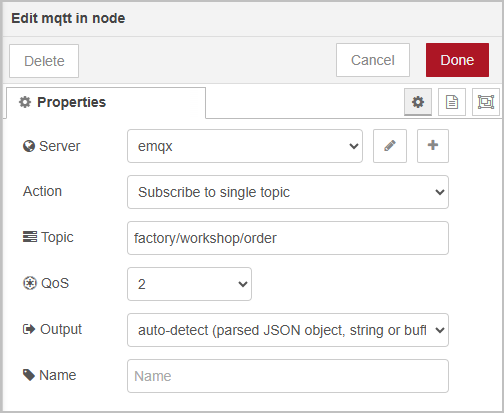
mqtt innode, and enter the configurations.- Tier0 MQTT broker address:
emqx:1883 - Topic: The topic to obtain data from, for example,
factory/workshop/order.
- Tier0 MQTT broker address:
- Process the data obtained, or directly use an
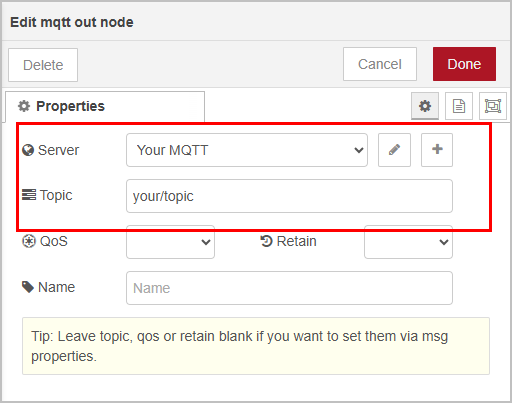
mqtt outnode to transmit the data to the third party MQTT.
- Deploy the flow, and data will be pushed to the third party when the topic data changes.
Obtaining Data through API
info
This method is suitable for third parties who does not support MQTT and need event-driven data.
- Log in to Tier0, and then select UNS > Event Flow.
- Click New Event Flow, enter a name and click Save.
- Click the flow you just added, drag an
mqtt innode, and enter the configurations.- Tier0 MQTT broker address:
emqx:1883 - Topic: The topic to obtain data from, for example,
factory/workshop/order.
- Tier0 MQTT broker address:
- Drag a
functionnode to the canvas, and write a script to format the data obtained according to third-party receiver API.
// parse payload if it's a string
if (typeof msg.payload === "string") {
    msg.payload = JSON.parse(msg.payload);
}

// set headers
msg.headers = {
    "Content-Type": "application/json"
};

return msg;
- Use an
http requestnode to send the data to the third party through API.

- Deploy the flow, and data will be pushed to the third party when the topic data changes.
Obtaining Data Directly from Tier0 Database
info
This method is suitable for requests on history data.
- Log in to Tier0, and then select UNS > Event Flow.
- Click New Event Flow, enter a name and click Save.
- Click the flow you just added, drag an
injectnode. - Drag a
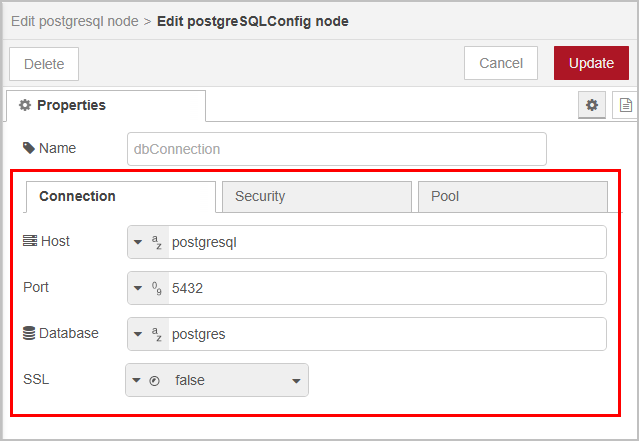
postgresnode to the canvas, and connect to Tier0 PostgreSQL database.- Connection
- Host:
postgresql - Port:
5432 - Database:
postgres - SSL:
false
- Host:
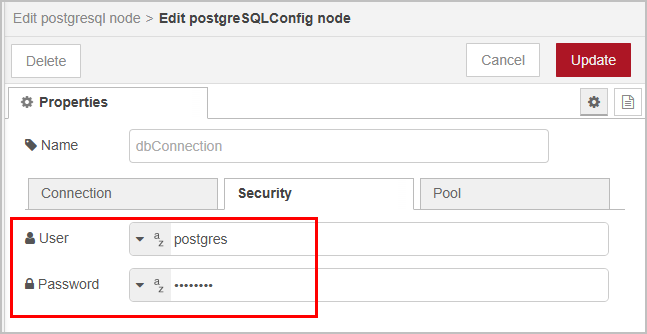
- Security
- User:
postgres - Password:
postgres
- User:
- Connection
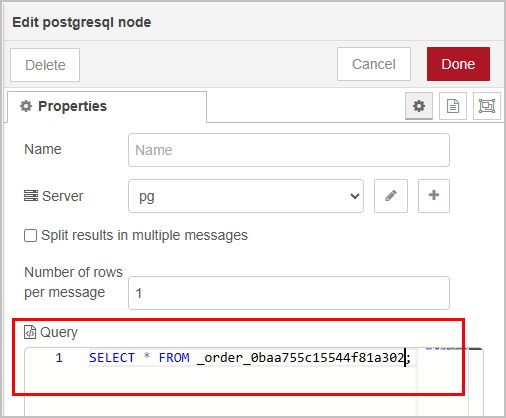
- Write SQL statements to query data from Tier0 database.
info
Get the table name from topic Details under Namespace.
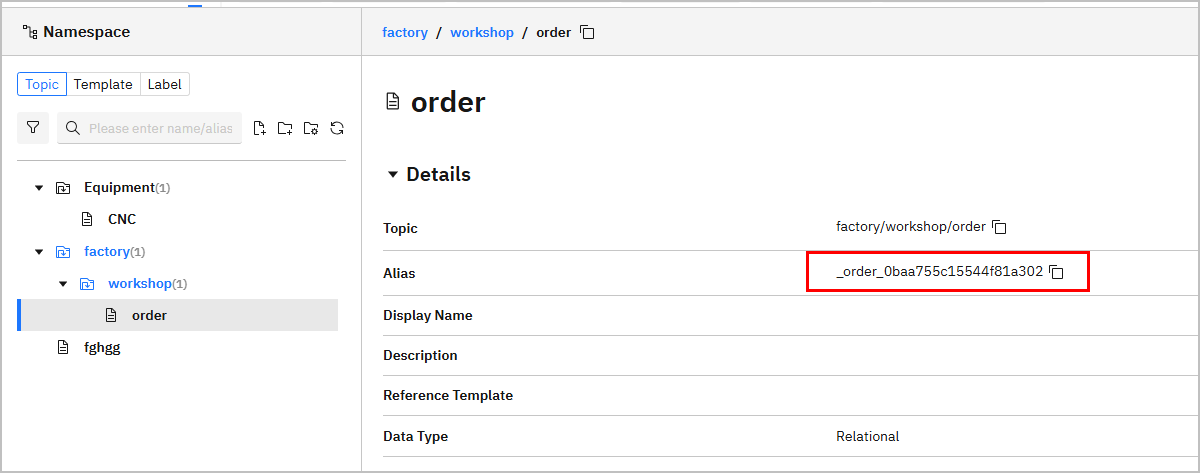
SELECT * FROM _order_0baa755c15544f81a302;
- Add an
http requestormqtt outnode to transmit the queried data to the third party.